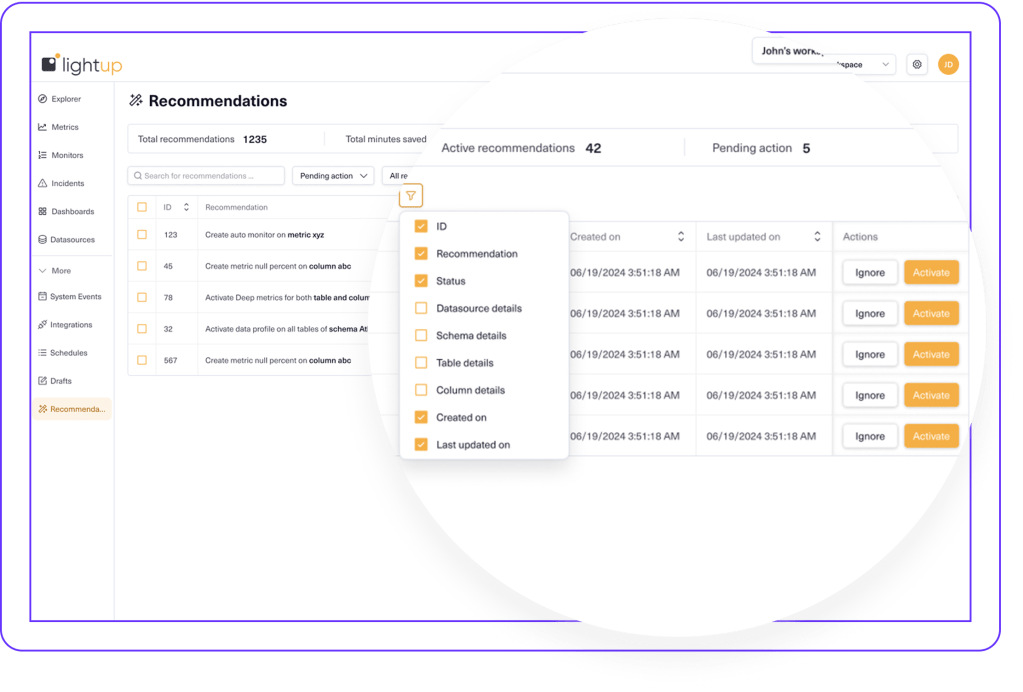
Recommendations are intelligent, contextual suggestions generated by Lightup, bringing more automation, intelligence, and efficiency to how data teams to optimize Data Quality across the enterprise by:
Identifying gaps in Data Quality coverage.
Prioritizing activation of metrics, monitors, profiles, etc.
Automating setup and fine-tuning of checks, profiles, monitors, Anomaly Detection, and more.
Instead of manually auditing datasets, Lightup constantly scans your environment, usage patterns, and configurations to surface the most impactful actions.
By continuously learning from usage patterns in Lightup, every recommended action is prioritized by relevance and impact to optimize Data Quality and improve efficiency.
Scan
Lightup evaluates your current configurations and usage patterns.
Analyze
Lightup identifies gaps, patterns, and improvement opportunities.
Prioritize
Lightup prioritizes actions to optimize your environment.
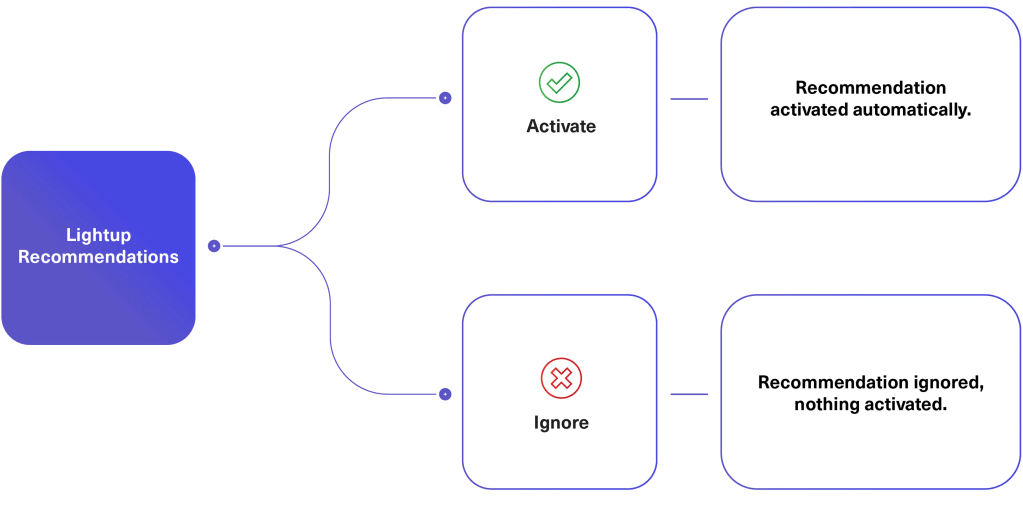
Activate or Ignore
Activate or ignore with one click, Lightup takes it from there.
Maximize the value of every Lightup action — without manual audits and time-consuming processes.