
Genie
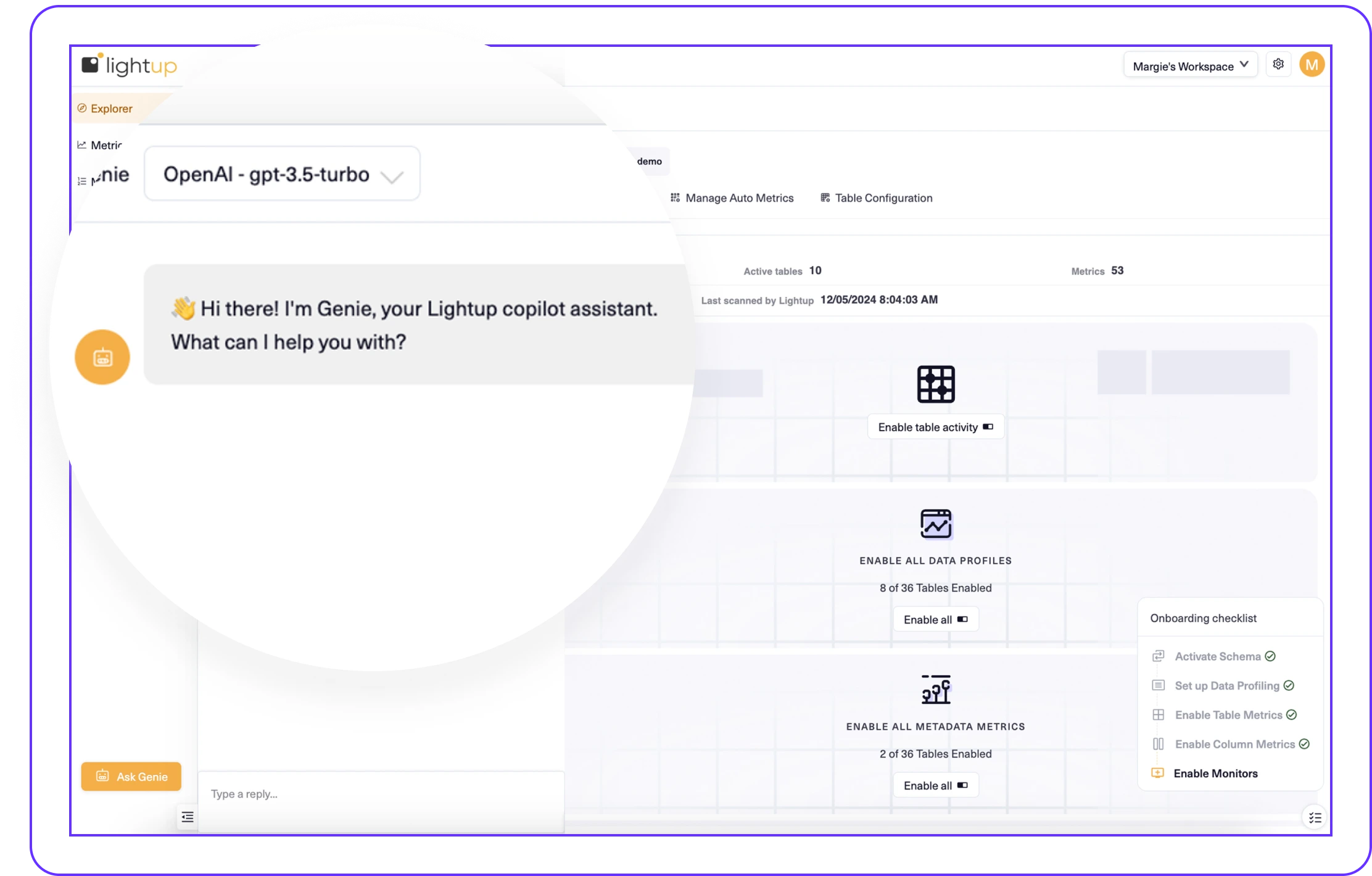
Meet Genie — Lightup's GenAI Copilot Assistant.
Be part of the exclusive beta group to preview Genie, our new copilot assistant built into Lightup — powered by GenAI. Automate tasks, get on-demand answers, and work smarter with every interaction.
Bringing GenAI to Lightup
You asked for more AI, so we’re bringing GenAI to Lightup with our copilot assistant, Genie.
Genie was born to help make common tasks even easier in Lightup.
How? By answering common questions and automating actions to streamline workflows — all in an interactive, natural language chatbot experience.
Put Genie to Work for You
Automate Tasks
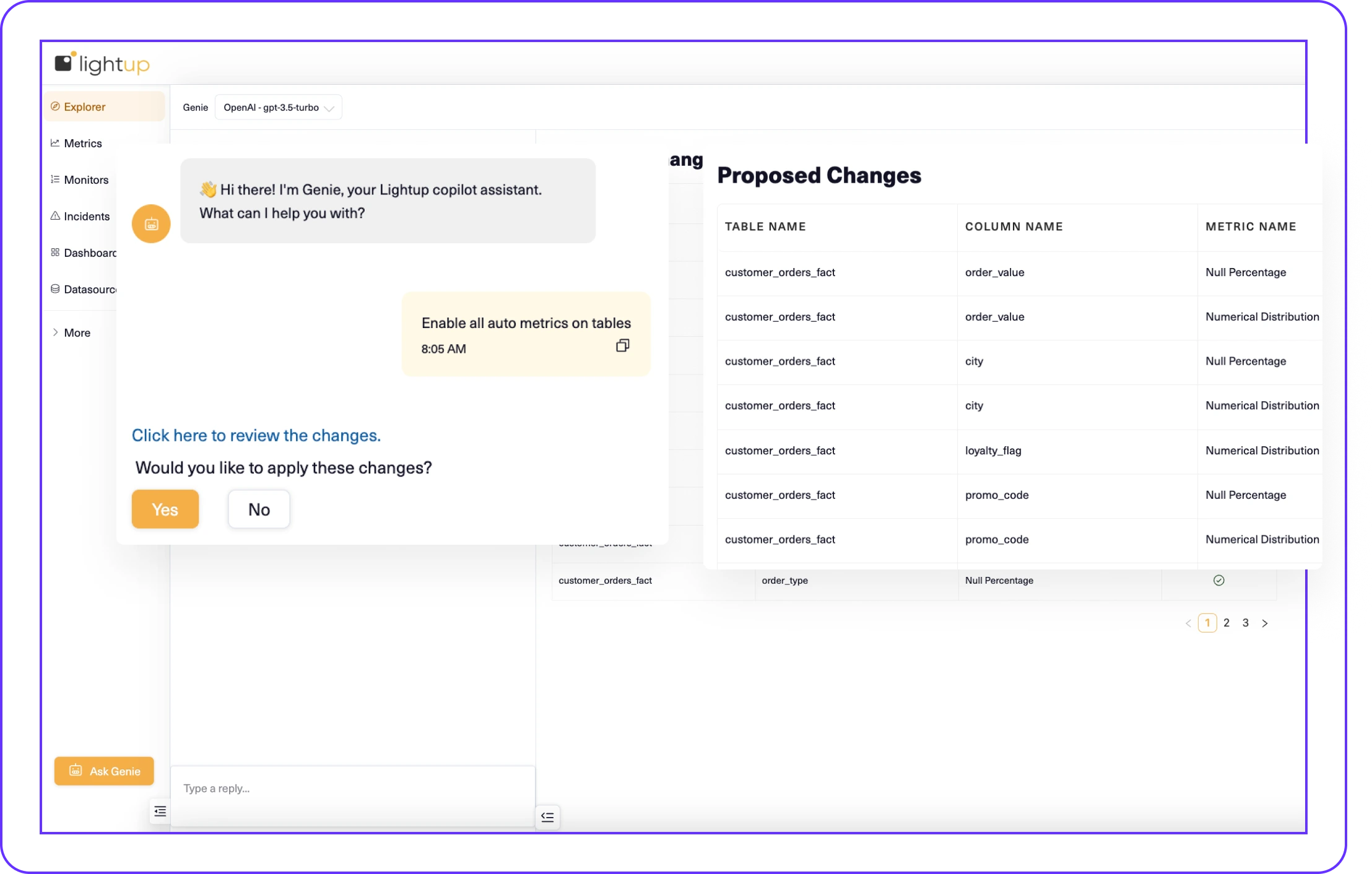
Get more done, with fewer clicks. Ask Genie to automatically take actions, such as enabling Data Quality checks for all columns in a table, without toggle-clicking every column on or off.
Work Smarter
Stay productive, with every burning question. Ask Genie “how” or “what” questions to get smart, contextual answers, documentation links or even step-by-step guidance for configurations and setup processes.
How It Works
Chat with Genie anytime, directly in Lightup:
- Open the Genie chat window by navigating to Explorer, then click the Ask Genie button in the lower left corner.
- In the Explorer panel, select the schema you want.
- In the Genie chat box, enter a question or task command.
- After Genie “thinks,” an answer will appear — or a preview link with proposed changes will be provided.
- Review the proposed changes and click “Yes” or “No” to confirm or reject the applied changes.
- Genie confirms your selection and provides links to the updated metrics, where applicable.
Feature Highlights

Reduce Click Fatigue
Perform tasks and bulk actions within Genie’s chat window, instead of clicking through different screens in Lightup.

On-Demand Help
Rain or shine, 24/7, get on-demand help and answers from Genie to reach your next milestone in Lightup.

BYOM Flexibility
Powered by OpenAI, Genie’s bring-your-own-model (BYOM) option keeps chats on your turf — with full control over the AI model powering your experience.
Join the Genie Beta Preview.
Be among the first to see how Genie can help lighten your tasks in Lightup.